FERPA and the "legitimate educational interest" standard
FERPA protects personally identifiable information from education records against unauthorized disclosure; it does not cover every bit of information a student enters online. When a school uses the FERPA school-official exception for a contractor, the contractor must perform an institutional service the school would otherwise use employees for, be under the school's direct control over use and maintenance of records, and meet the exception's legitimate-educational-interest and redisclosure limits. A vendor's claim that it is 'FERPA compliant' does not establish that the district's specific use meets those conditions.
The Department of Education's Student Privacy Policy Office advises teachers to check with school or district administration before using an online application or service. Follow local approval, contract, and data-sharing procedures; do not create student accounts or upload identifiable records simply because a tool appears educational. Local policy may cover tools even when a specific federal privacy law is not triggered.
COPPA and the under-13 age threshold
COPPA places duties on covered online-service operators that collect personal information from children under 13. In the school context, an operator may rely on the school to provide consent only when collection is for the use and benefit of the school and for no other commercial purpose. The operator remains responsible for COPPA compliance and must give the school information about its data practices. The FTC recommends parent notice as a best practice; school consent is not blanket permission for every app or purpose.
A tool approved for one instructional purpose may collect different information or use it differently when features or settings change. Keep use within the scope the district reviewed, and ask the privacy or technology office before enabling new features, sharing data outside the approved purpose, or using an app for a non-school activity.
What day-to-day responsibility looks like for a classroom teacher or staff member
Follow your district's tool-approval and acceptable-use rules, enter only the student data needed for the approved lesson, protect sign-in credentials, and avoid posting identifiable student information or images publicly unless the district has confirmed the required permissions and legal basis. These are practical safeguards; local policy may impose duties beyond the federal statutes discussed here.
If a parent or guardian asks what data a specific tool collects about their child or requests that their child's data be limited or removed, direct that request to your district's designated privacy or data officer rather than trying to resolve it yourself at the classroom level, since the correct response often depends on specifics of the platform's agreement with the district that an individual teacher would not have visibility into.
Before rolling out a new app or tool to a class
- Confirm it has gone through your district's app or platform approval process.
- Enter only the student information the specific lesson or activity actually requires.
- Check whether the tool is approved for the specific use you're planning, not just approved in general.
- Route any parent question about student data to your district's privacy or data officer.
- Keep your own running list of apps and platforms used with students during the year.
Building an inventory habit, even informally
Keep your own running list of which apps, websites, and platforms you actually use with students during the year, even if your district does not formally require it, since this makes it much easier to answer a parent's question, respond to a data-privacy audit, or simply remember what needs a district data-privacy agreement renewed before the following year.
If you are ever unsure whether a specific tool has been through your district's approval process, ask before using it with an entire class rather than assuming it is fine because you have seen a colleague use something similar — different tools, even ones that look alike, can have very different data practices behind them.
- Keep an inventoryTrack assigned devices and the student or staff member responsible.
- Report loss or theftUse the school’s reporting process promptly.
- Handle departuresFollow district steps when a student leaves or a device changes hands.
- Protect or delete dataSend records, access, retention, and deletion questions to the district privacy or records contact.
What happens when a device is lost, stolen, or a student leaves the district
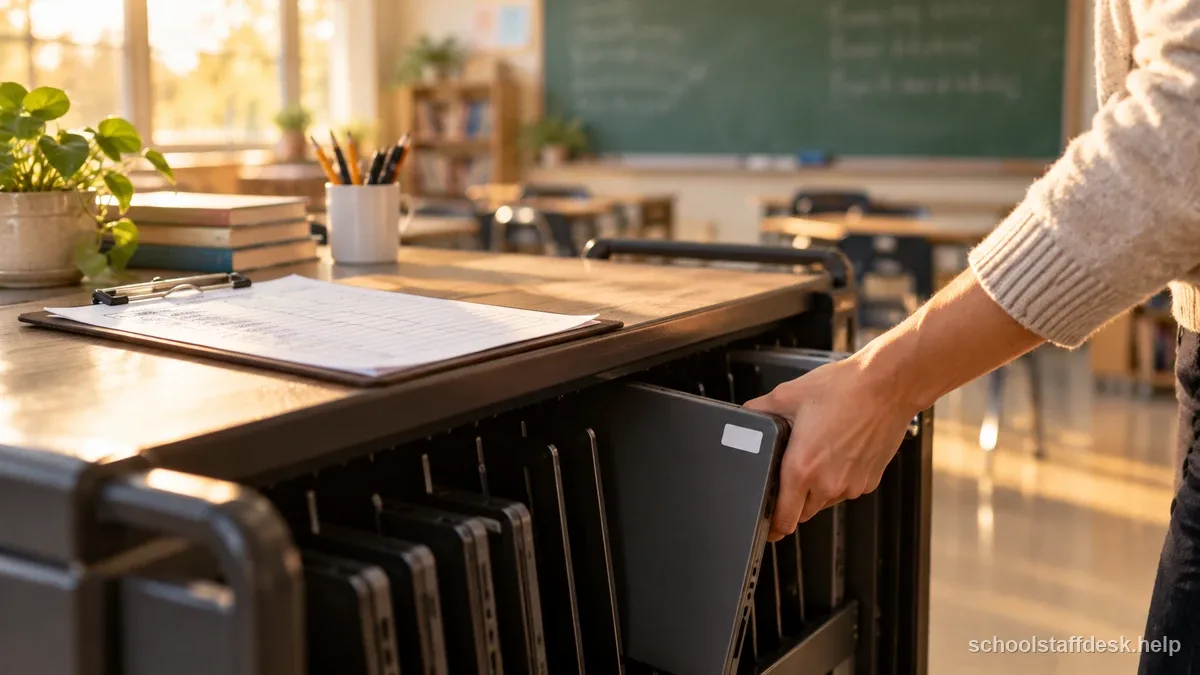
A lost or stolen 1:1 device is both a hardware problem and a potential data-security concern if the device had cached student information, saved passwords, or ongoing access to accounts. Report a lost or stolen device to your district's IT department immediately, since many districts can remotely lock, wipe, or track a device, and delaying the report reduces the chance any of those measures still work.
When a student transfers or graduates, follow district procedures for account access, device return, record transfer, and any vendor data deletion request. FERPA provides rights to inspect and seek amendment of education records but does not set one general deletion date for all student information. Other laws, state records schedules, contracts, and district retention policies may control how long particular records are kept. Send parent questions and deletion requests to the privacy or records officer rather than deleting school records yourself.
None of this is meant to make staff afraid to use technology in the classroom. The point of following your district's approval process is that someone with visibility into a platform's actual data practices and contract terms has already done the evaluation, so you do not have to personally assess a vendor's privacy policy every time you want to use a new tool.
Sources used for this guide
- U.S. Department of Education — Protecting Student Privacy (FERPA)
- U.S. Department of Education — Teacher FAQ on Using an Online Tool or Application
- Federal Trade Commission — Complying with COPPA: Frequently Asked Questions
Rules can change. Use these sources as a starting point and confirm any state, district, student-plan, employment, licensing, or retirement requirement with the agency or team that governs your situation.
Questions school staff ask about this situation
Is protecting student data only IT's job, not the classroom teacher's?
No. Staff should use district-approved tools, stay within the approved purpose, minimize student information, and route privacy questions to the district's designated contact. The school or district is responsible for the applicable institutional review and disclosure decisions.
Does a school need parental consent for every app that collects student data?
An operator may rely on school consent when collection is for the school's educational benefit and no other commercial purpose. The FTC recommends parent notice as a best practice, and the operator remains responsible for COPPA compliance. District procedures and other privacy laws may also apply.
What should I do if a parent asks what data an app collects about their child?
Direct the request to your district's designated privacy or data officer rather than trying to answer it yourself, since the correct response often depends on the platform's specific agreement with the district.
Can I use any classroom app I find as long as it seems appropriate?
Follow your district's app and acceptable-use policies. Education Department guidance recommends checking with school or district administration before using an online tool; an approval rule may be local policy rather than a universal FERPA requirement.
Does approval for one use of a tool mean it's approved for every use?
No. Approval and any school consent are bounded by the reviewed purpose and data practices. A feature change or non-educational use may require a new review, direct parent consent, or another legal basis.