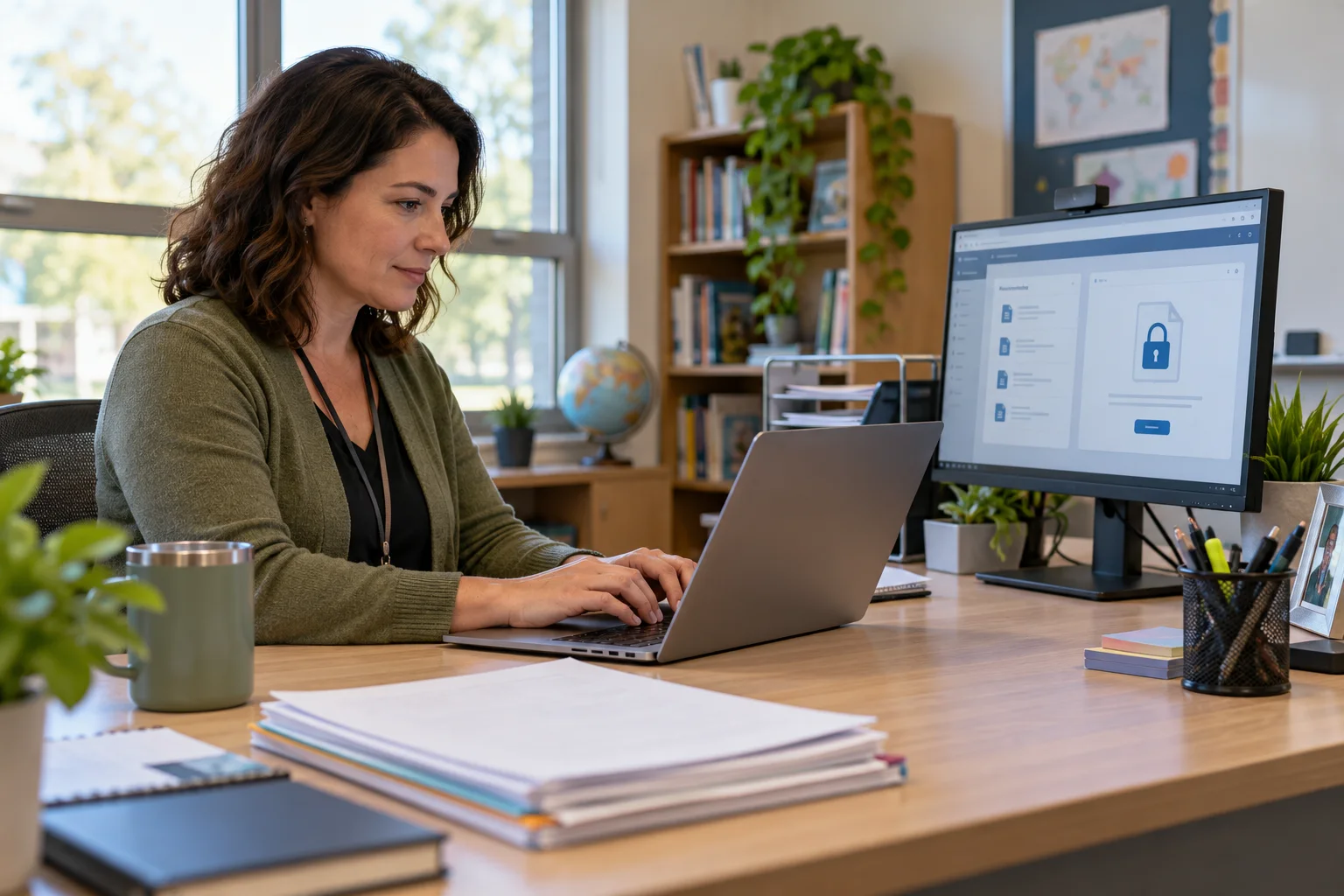
Know what information can identify a student
A student's name is not the only identifier. A student number, schedule, photograph, family detail, distinctive incident description, or combination of facts may identify someone to a recipient. Before sending a message, look at the text, attachment name, image, and copied thread together. Removing a name does not always make a record anonymous if the rest of the details point to a particular student.
FERPA applies to education records maintained by a school or a party acting for it, and the federal rules include exceptions and conditions. Whether a particular disclosure is permitted depends on the record, recipient, purpose, consent, school policy, and applicable exception. Teachers should not make that legal determination from a message template alone. Follow district procedures and refer uncertain requests to the designated records or privacy contact.
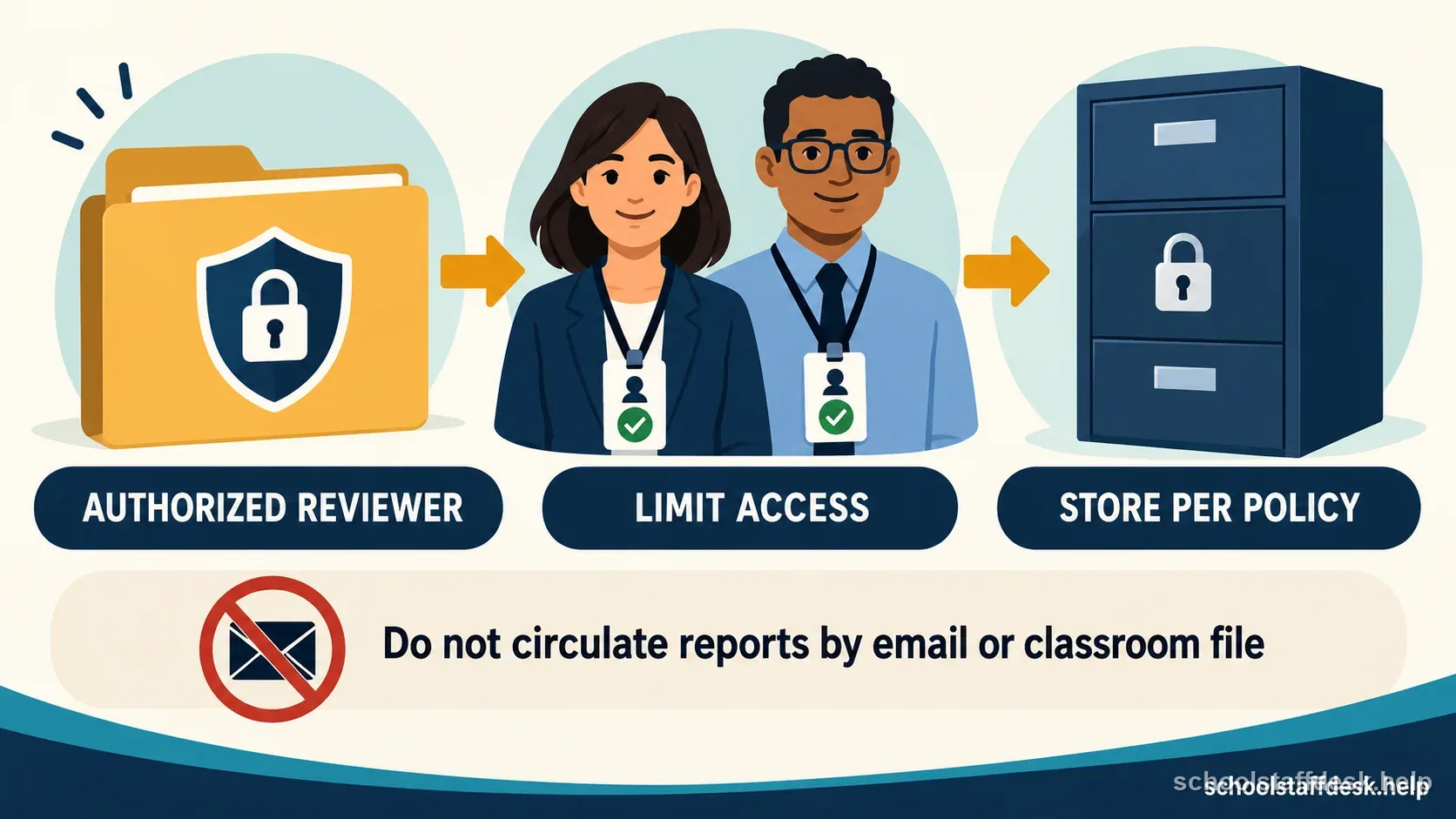
Use a district-approved account and file-sharing route
Use the account and applications the district has approved for school business. Personal email, personal cloud storage, and unapproved messaging apps may lack the access controls, retention settings, or agreements the school requires. A school-approved platform is not automatically appropriate for every record; follow its intended use and the district's instructions for sensitive information.
When an attachment contains education-record information, consider whether an approved secure portal or restricted link is safer than a broad email attachment. Check who can open the file, whether access expires, and whether recipients may download or forward it. Do not upload records to a consumer tool or an AI service unless the district has explicitly approved that service and described how student information may be used.
Verify the recipient, purpose, and amount of information
Before sending, confirm the full address rather than relying on autocomplete, check each person on the To and Cc lines, and make sure each recipient needs the information for an authorized school purpose. If someone outside the school asks for a record, do not decide from their job title or claimed relationship alone. Follow the school's identity-verification and records-request process.
Reduce the message to the information needed for the task. A specialist may need a relevant schedule or service detail, while a general team announcement rarely needs a full record or diagnosis. Avoid copying a large group for convenience. Keep the subject line neutral and do not put sensitive information in a notification preview if the district advises against it.
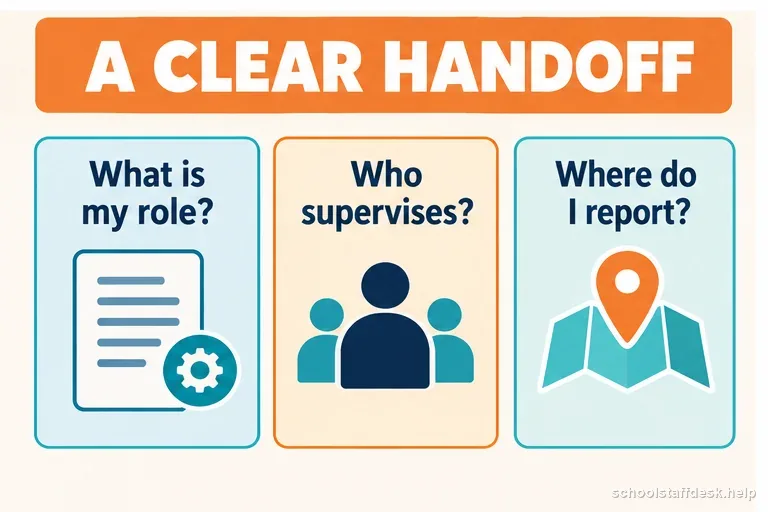
Check attachments and message threads before sending
Open the attachment and confirm that it is the intended student's file, not a similarly named document. Check hidden pages, comments, tracked changes, spreadsheet tabs, and embedded images. Remove unrelated records and metadata when the district's approved process calls for it. Then verify that the file is attached to the right message and that a previous conversation has not added recipients who no longer need access.
Use a second-person review for high-risk or bulk messages when the district recommends one. For a routine request, a short pause before sending can catch a wrong recipient or accidental reply-all. If you notice an error after sending, contact the district's privacy or technology incident channel promptly and follow its instructions. Do not try to hide, delete, or independently investigate an incident in a way that could destroy evidence.
Treat parent and third-party requests as records requests
A parent, eligible student, advocate, relative, or reporter may ask a staff member to email documents. Route the request through the office or records coordinator if that is the district's process. FERPA gives parents and eligible students rights to inspect and review education records, but schools use procedures to verify identity, define the records, and provide access securely. A teacher should not promise a particular record or deadline without checking the school's process.
If a request involves a court order, law enforcement, a safety concern, a student who transferred, or a contested custody situation, do not forward records based on an informal message. Escalate it to the designated administrator or records office. Emergencies have separate rules and should be handled through the school's incident procedure. Keep your response brief: acknowledge receipt, say who will review it, and avoid disclosing extra facts while the request is checked.
Make a small routine that prevents repeat mistakes
Use a pre-send check: right account, right recipient, authorized purpose, minimum necessary detail, verified attachment, and approved sharing method. Save frequently used secure links or templates only in the district system and keep access limited to the staff who need them. Lock the screen when stepping away, protect your account with district-required authentication, and report suspicious messages instead of opening unexpected files.
At the end of a project or school year, follow district retention and deletion rules for messages and files. Do not keep local copies on a personal device “just in case.” If you are unsure whether a record should be retained, ask the records coordinator before deleting or moving it. Good habits reduce accidental exposure, but they do not substitute for district policy, employee training, or a formal privacy review.
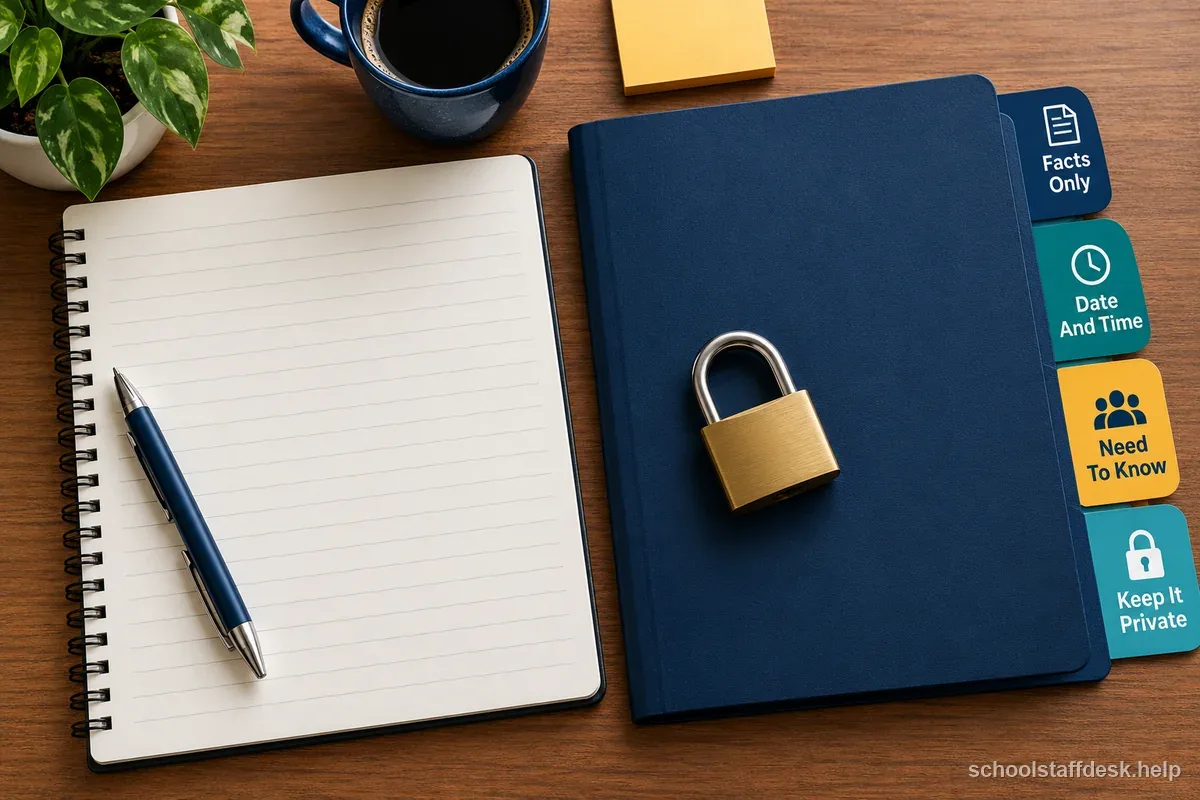
Pre-send student-record check
- Use the district-approved account and sharing method for this kind of information.
- Verify every recipient and confirm the school purpose for each one.
- Remove details and files the recipient does not need.
- Open attachments, inspect threads, and check the To and Cc lines one last time.
- Report a suspected disclosure quickly through the district's incident process.
Sources used for this guide
- U.S. Department of Education, Who Is a School Official Under FERPA?
- U.S. Department of Education, FERPA and Virtual Learning Guidance
- U.S. Department of Education, FERPA FAQs
Rules can change. Use these sources as a starting point and confirm any state, district, student-plan, employment, licensing, or retirement requirement with the agency or team that governs your situation.
Questions school staff ask about this situation
Does FERPA ban teachers from emailing student information?
FERPA does not provide a blanket yes-or-no rule for every email. Disclosure depends on the record, recipient, purpose, consent or applicable exception, and school procedures. Use district-approved channels and consult the records or privacy office when uncertain.
Can I use my personal email to contact a parent about a student?
Follow district communication, records, and security policies. Personal accounts may not provide required controls or retention, so use the school's approved channel unless the district specifically authorizes another method.
Is a student's name the only information that can identify them?
No. Identifiers can include student numbers, schedules, photos, family details, or combinations of facts that make a student identifiable to the recipient.
What should I do if I send a record to the wrong person?
Promptly contact the district's designated privacy or technology incident channel and follow its instructions. Do not conceal the error or take steps that could destroy relevant evidence.