
Start by checking the next instructional deadline
Before opening email, look at the next class, the weekly plan, and any assessment or material deadline. Identify the one item that would prevent instruction from starting smoothly if it were unfinished: a copy, lab setup, link, roster update, or short model. Put that item first and define what “ready” means so preparation does not expand into redesigning the entire unit.
Use the plan already agreed with your team where one exists. If the lesson needs a colleague's decision, write the specific question and contact that person rather than building a workaround alone. Keep a running list of materials or student follow-ups that can be addressed later. This protects the short block for the task with the nearest teaching consequence.
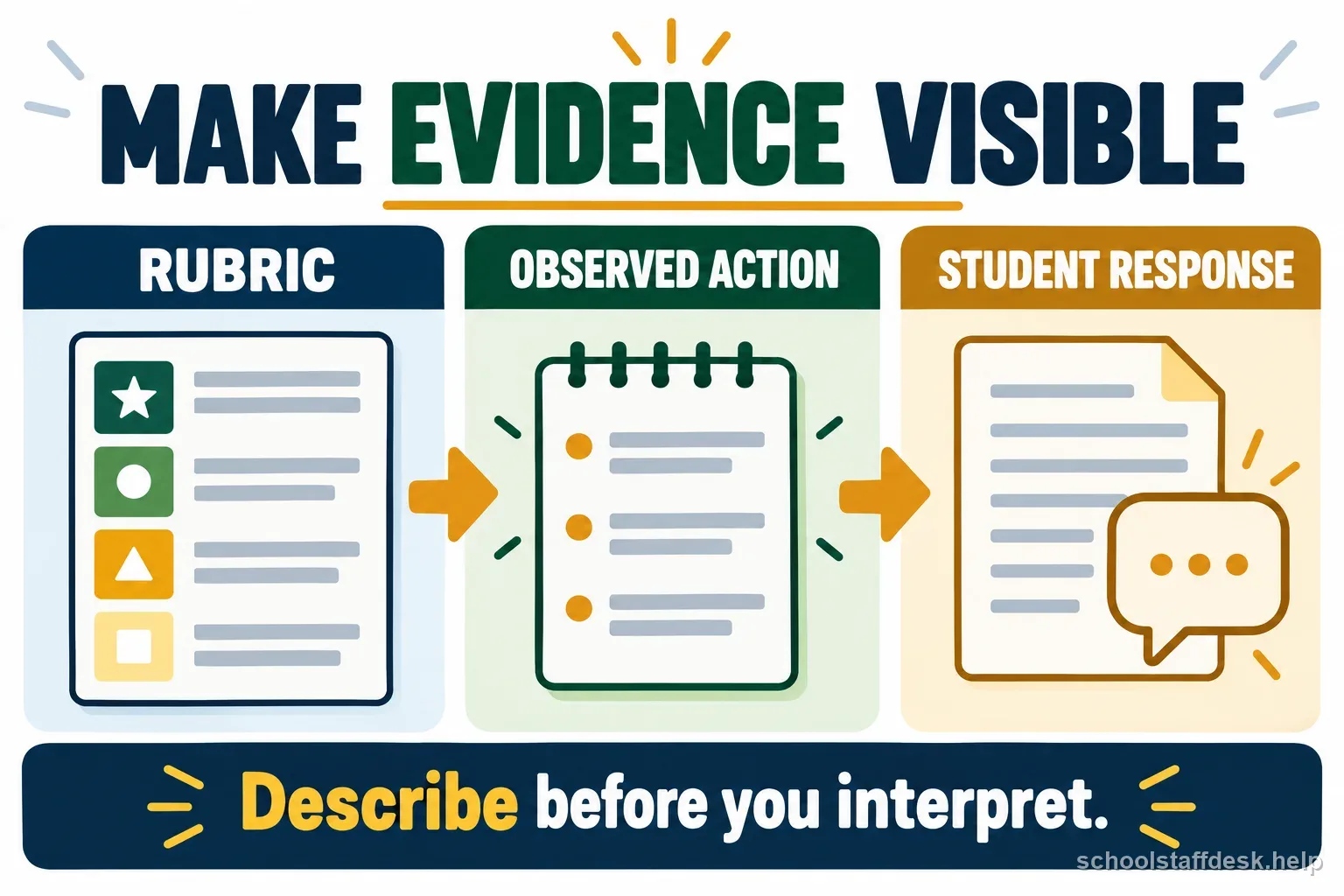
Use a three-part block for instruction, records, and messages
A practical default is to divide the period into a first instruction task, one short records or grading task, and a final message or transition check. The proportions can change with the day, but placing tomorrow's lesson first prevents a crowded inbox from setting the agenda. Use a timer if necessary and stop when the block ends, unless a safety or urgent student-support issue requires escalation.
For grading, choose one bounded set: a class, a rubric row, or a group of exit tickets. For communication, answer the messages that are time-sensitive or promised, then flag the rest for a separate block. A brief plan that is finished and usable is often better than a polished resource that leaves tomorrow's students waiting while the teacher searches for materials.
Batch small tasks and keep a parking lot
Group copying, entering scores, printing, and routine supply checks when this reduces trips and context switching. Keep a short parking-lot list for tasks that arise but do not need to interrupt the current priority. Add an owner and a next step when something belongs to a counselor, case manager, administrator, technician, or family liaison. This turns a vague worry into a follow-up instead of letting it consume the whole period.
Avoid using the parking list to postpone a student-safety concern or a deadline that requires immediate action. Follow school procedures for urgent matters. For routine requests, tell colleagues when you can respond rather than agreeing to every interruption in real time. A visible list also helps you notice recurring tasks that may need a shared team process or a different time allocation.
Protect collaboration and student-support coordination
Some prep time is assigned to team planning, co-teaching, parent meetings, or required professional work. Check the calendar and local expectations before treating every open block as individual work time. Bring an agenda or one concrete student-learning question to collaboration so the conversation ends with decisions, owners, and dates rather than a list of concerns.
When coordinating student support, share only information that colleagues need for their authorized role and use district-approved systems. Confirm the next action and who will communicate with the family or specialist. If the planning period is repeatedly consumed by unscheduled coverage or meetings, record the dates and ask the appropriate administrator how to prioritize required duties within the actual schedule.
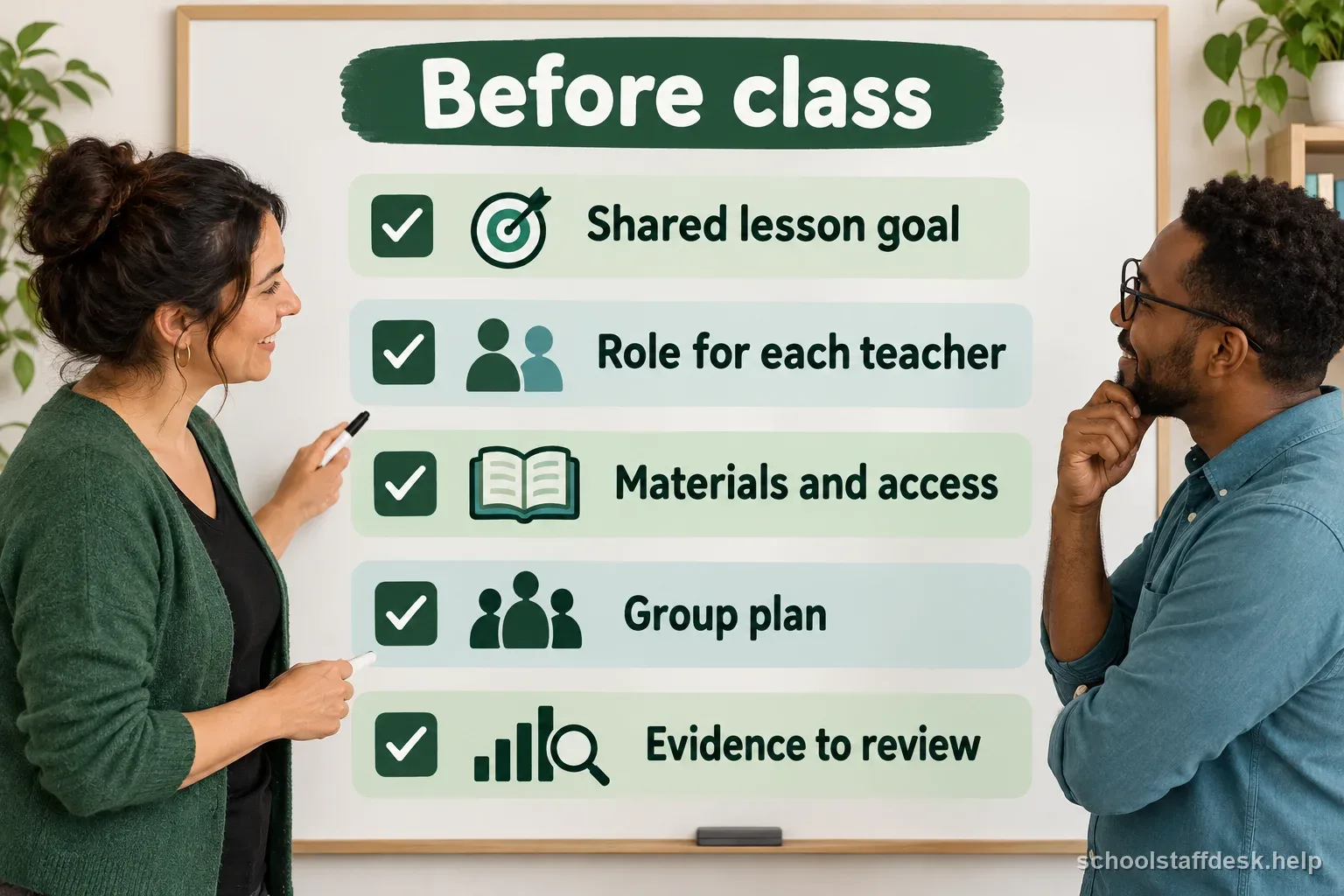
Leave a launch pad for the next class
Reserve the final few minutes to set out the first material, open the slide or document, write the board prompt, and confirm the room is ready. Add a simple note to yourself about the first question you will ask or the transition that needs a reminder. This small launch pad reduces the number of decisions competing for attention when students arrive.
Before leaving, mark unfinished tasks honestly and move them to a realistic block. Do not create a plan that assumes you will work through every lunch, evening, or personal break. If the workload consistently exceeds available contract time, document the recurring tasks and discuss priorities, staffing, or team routines with the supervisor or representative specified by local policy.
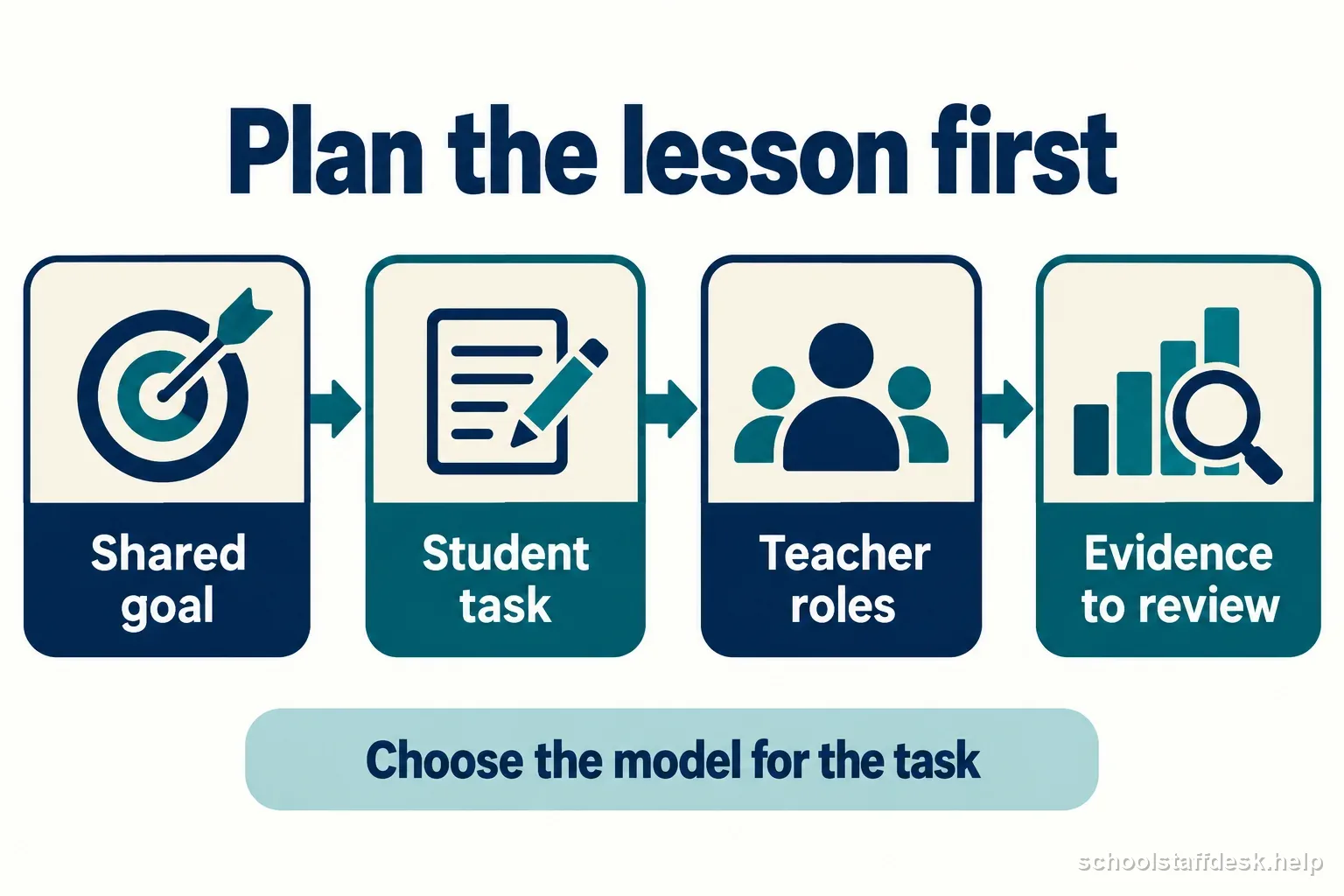
Ten-minute planning-period reset
- Identify the next class task that must be ready for instruction to begin.
- Complete one bounded grading, records, or preparation task.
- Answer only time-sensitive messages and park the rest with a next step.
- Confirm any team decision or student-support follow-up and name its owner.
- Leave the opening material and first instruction ready for the next class.
Adjust the routine without making it another obligation
At the end of the week, notice which task repeatedly displaced lesson preparation and which small change made the next day easier. Try one adjustment for a week: batching one task, moving a routine email window, preparing copies earlier, or using a shared team resource. Keep what helps and drop what adds friction. A routine should make the work more manageable, not become another checklist to complete perfectly.
If your scheduled planning time is changed or unavailable, ask which duties take priority and how the school expects required planning to be completed. Contract terms, state rules, and district practices vary, so consult the applicable agreement or administrator rather than relying on a generic online rule. A clear record of the schedule and work completed can make that conversation specific and constructive.
Sources used for this guide
- U.S. Department of Education LINCS, Effective Lesson Planning
- U.S. Department of Education, Family Educational Rights and Privacy Act
Rules can change. Use these sources as a starting point and confirm any state, district, student-plan, employment, licensing, or retirement requirement with the agency or team that governs your situation.
Questions school staff ask about this situation
What should a teacher do first during a planning period?
Check the next class and finish the one preparation task that would block instruction if left undone. Then fit bounded records and communication tasks into the remaining time.
Can a school require teachers to use planning periods for meetings?
Schedules and requirements depend on state rules, district policy, and the applicable agreement. Check local documents and ask the administrator how assigned duties should be prioritized.
How do I keep email from taking the whole period?
Set a short communication window, respond to time-sensitive or promised messages, and record other items with a specific next step and realistic time.
What if my planning period is repeatedly taken for coverage?
Record dates and duties, then ask the appropriate administrator or employee representative how local rules and priorities apply to your schedule.