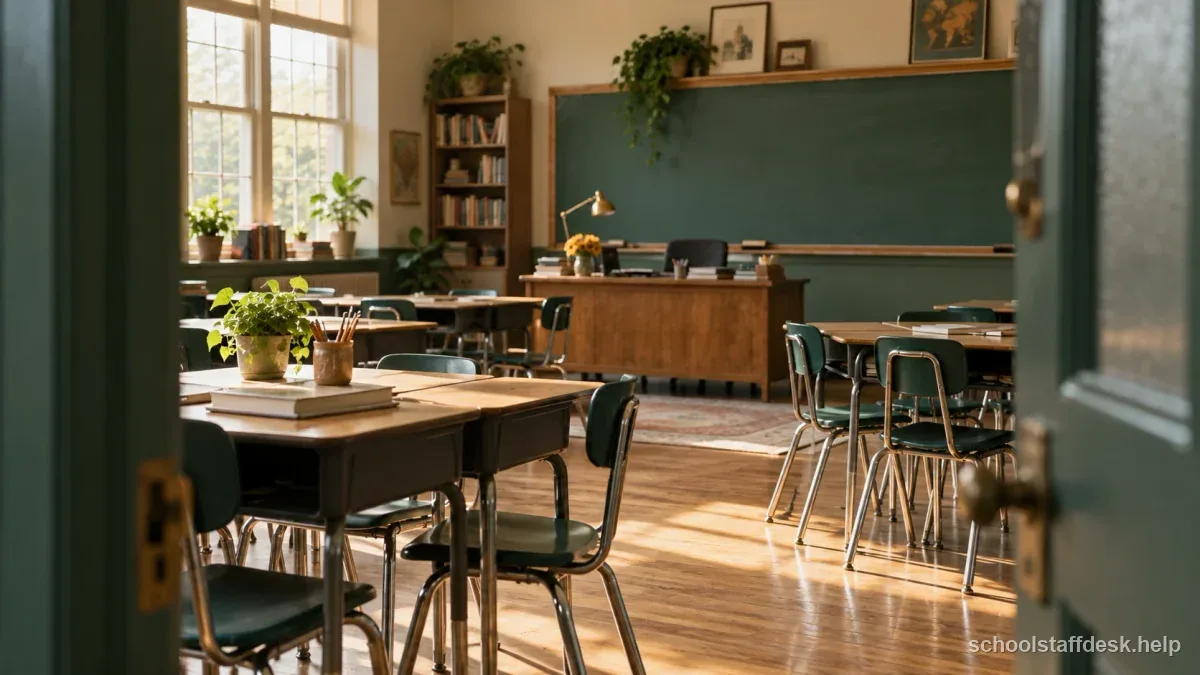
Design movement and material access as one system
Draw three routes on a quick sketch of the room: door to seats, seats to frequently used materials, and seats to the exit. If those routes cross the teacher desk, pencil sharpener, turn-in tray, or a narrow aisle, you have built a behavior problem into the room. Students will bump, wait, talk, and negotiate space every time they transition. Move furniture until common routes are obvious and wide enough for the students who actually use the room. Two concrete tests: aim to see students and the door from your main teaching position, and keep the main path from the door to seats away from the pencil, turn-in, and supply zone, which is where jams and side conversations start.
Stand in the places where you expect to teach and scan the room. If a bookcase, tall cabinet, group table, or monitor creates a hidden corner, fix it before deciding the space is finished. Active supervision depends on being able to see students and move toward small problems early.
Students should not need teacher permission for every pencil, scrap paper, tissue, calculator, or turn-in tray. Put ordinary materials in predictable places and teach how to get and return them. The goal is not a Pinterest-perfect supply wall; it is fewer interruptions and fewer reasons for students to cross the room during instruction.
Keep scarce, expensive, hazardous, confidential, or high-distraction materials under adult control. Self-service works only when the category makes sense. A clear rule such as “basic supplies are open; lab tools and devices are assigned” is easier to teach than a dozen exceptions.
Create one reset space without turning it into exile
A calm or reset area can help when it is a brief support, not a public punishment seat. Place it where the student is still supervised and can rejoin instruction without crossing the whole class. Stock it lightly—perhaps a timer, paper, a visual breathing cue, or whatever your school’s behavior system supports. Avoid making the area so entertaining that it becomes a preferred escape from difficult work.
Teach how the space is used before anyone is upset. Students should know whether they may request it, how long a typical reset lasts, what work follows them, and how they return. If an IEP, behavior intervention plan, or individual safety plan defines breaks differently, that plan takes priority over the general classroom routine.
Use the walls for navigation, not visual noise
Post the daily sequence, a small number of observable expectations, and directions students actually need to reference. Put them where students look during the routine they support. A transition checklist hidden behind the teacher desk does no work; a short entry routine near the door can.
More visual information is not automatically better. Dense walls can make the important cue harder to find, especially for students who are easily distracted or who rely on visual structure. Leave visual breathing room and rotate academic displays instead of covering every surface on the first weekend.
Room traffic audit
- Map the main walking routes from door to seats, seats to materials, and seats to the exit before placing decorations.
- Stand in the places where you will teach and verify that you can see every work area.
- Create one low-stimulation reset area that is not a punishment corner and does not block supervision.
- Put frequently used materials where students can get and return them without crossing the whole room.
- Display the daily sequence and a few observable expectations where students actually look.
Two layouts for two different classroom problems
For a discussion-heavy secondary room, rows or shallow pairs can preserve sight lines while making it easy to turn toward a partner. Keep a broad center or side aisle so you can circulate without asking students to move backpacks. Put shared supplies at the back or side, not near the only door. The NCTQ classroom-management review frames physical setup as one of a small set of high-leverage practices, alongside rules, routines, and consistent responses, rather than decoration.
For an elementary or small-group-heavy room, use table groups but assign each table a clear material path and a place for finished work. Put the small-group table where you can still see the rest of the room. The exact geometry matters less than whether students can predict where to go, what to touch, and how to return to learning.
| Discussion-heavy secondary room | Elementary or small-group room | |
|---|---|---|
| Layout | Rows or shallow pairs | Table groups |
| What to protect | Sight lines, easy turning toward a partner, and a broad center or side aisle | A clear material path and a place for finished work at each table |
| Where supplies and groups go | Shared supplies at the back or side, not near the only door | The small-group table where you can still see the rest of the room |
Test the room with students in it, then fix the bottlenecks
Put a backpack on a chair, open the most-used cabinet, pull out a device cart if you have one, and physically walk the route students will take during arrival, independent work, a material pickup, and dismissal. A floor plan that looks spacious on paper can become a pinch point once chair backs, bags, open drawers, and thirty bodies are added. If two high-frequency routines use the same narrow corner, separate them. Move the turn-in tray away from the door, split supplies into two stations, or change the direction of traffic instead of trying to correct the same congestion every day.
Then test supervision. Sit where you would confer with a student and look across the room. Stand at the document camera or board and check whether tall shelving creates a blind spot. If a calm corner exists, make sure it remains observable and that a student can rejoin instruction without crossing a crowd. Accessibility matters here too: a route that technically exists but is blocked by a rolling cart or narrow desk gap may not work for a student using mobility equipment.
Finally, make the room teach its own routines. Materials students may use independently should be reachable and consistently located. Materials that require adult permission should not look self-service. The strongest setup reduces how often you need to say where to go, what to touch, or how to return something. That is why traffic flow is a behavior-support decision, not a decorating decision.
Watch where lines form and where you repeatedly say, “Move your chair,” “Wait,” or “Stop going over there.” Those phrases are data about the room. If every transition jams at the same shelf, move the shelf. If you cannot reach a student without squeezing between desks, change the spacing. If students constantly ask where finished work goes, improve the location or visual cue.
A classroom setup should be treated as a first draft. The best room is the one that quietly removes friction after you learn how this particular group moves, works, and regulates—not the one that looked most finished before students arrived.
Add a supervision test, not just a furniture test. Stand where instruction actually happens, then walk the route you would use while students work. Can you scan the whole room, reach a student quietly, and get to the highest-friction areas without squeezing past desks? NCTQ’s 2026 classroom-management framework emphasizes active supervision and precorrection alongside clear routines. In practice, that means the room should make it easy to circulate and to remind students what will happen before a predictable bottleneck—such as materials pickup or dismissal—rather than relying on a louder correction after the crowd forms.
Sources used for this guide
- Center on PBIS — Classroom PBIS
- Center on PBIS — Supporting and Responding to Students’ SEB Needs
- National Council on Teacher Quality — Classroom Management Framework (2026)
Rules can change. Use these sources as a starting point and confirm any state, district, student-plan, employment, licensing, or retirement requirement with the agency or team that governs your situation.
Questions school staff ask about this situation
Are rows or groups better for classroom management?
Neither is universally better. Choose the arrangement that supports the dominant task while preserving sight lines, adult movement, accessible exits, and predictable material flow. You can change the layout as instructional needs change.
Should every classroom have a calm-down corner?
No. A reset space can be useful, but it should fit the age group, school behavior framework, and individual student plans. It should not become an unsupervised or punitive isolation area.
How much should I put on classroom walls?
Post information students actually use: schedule, routines, a few expectations, and current academic references. Leave enough open space that the important cues remain easy to find.
When should I change the room after school starts?
Change it when repeated traffic jams, blind spots, inaccessible materials, or confusion show that the setup is working against instruction. Small layout fixes after the first few days are normal.